01 / Bring one home
It arrives as a .rom.
A small program, packed as a zip with that name. Install it, and it takes a place beside the others.
A home for your programs
Bring a program home and give it a case. Install a .rom — a zip, under that name — and open it whenever you want it.
See how it holds themStart with one that catches your eye. Leave room for another.
One place to open them
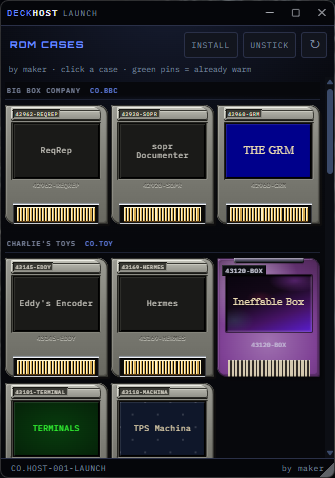
The launcher holds what you’ve installed. Pick the one you need. The others stay put until you want them.
Change the look whenever you like.
01 / Bring one home
A small program, packed as a zip with that name. Install it, and it takes a place beside the others.
02 / Open it
Each program has a case of its own. Open the one you want. Come back to it later.
03 / Make it yours
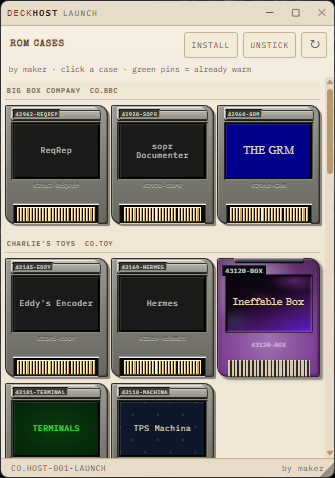
Skins change the whole look, the way Winamp wears a skin. Your programs stay where you left them.
A style is a stylesheet. Apply one, and the launcher wears it — the way Winamp wears a skin.
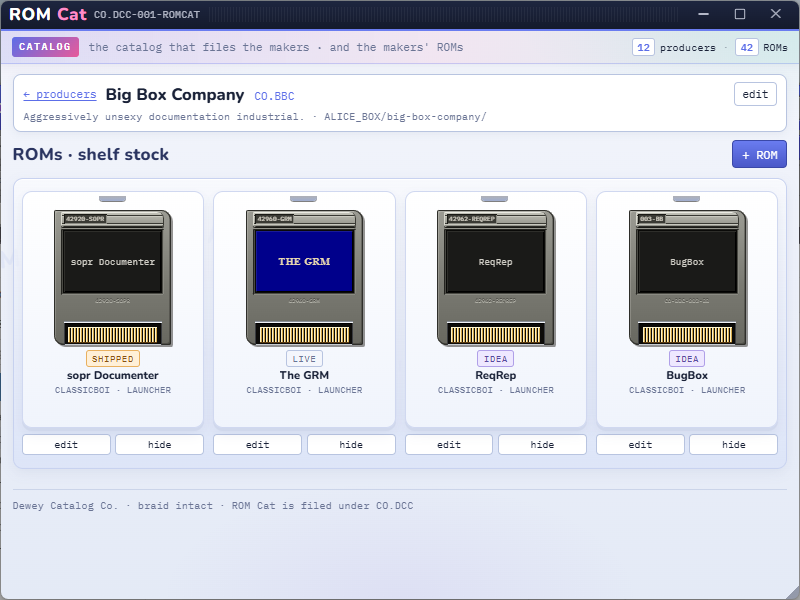
ROM Cat is there if you want to manage the collection later — what’s ready, what’s still an idea, which maker it came from. The launcher is for opening.